Context / Background
CapCut Review begins with an important reality check. In recent years, video creation has shifted dramatically from long-form desktop editing to fast, mobile-first content for TikTok, Instagram Reels, and YouTube Shorts. As creators demand speed, simplicity, and zero-cost tools, CapCut has emerged as one of the most widely used video editing platforms worldwide.
Developed by ByteDance, the company behind TikTok, CapCut was positioned as a free, accessible editor capable of producing professional-looking videos without the complexity of traditional software. Its rise has been driven largely by social media creators, small businesses, and beginners who want fast results without steep learning curves.
However, popularity does not always equal long-term reliability. This CapCut Review focuses on separating marketing claims from real-world usability.
Editorial Hook — Claims vs Reality
CapCut markets itself as a powerful, free video editor with AI tools, professional effects, and cross-platform support. The promise is clear: create high-quality videos quickly, even without editing experience.
In reality, CapCut delivers impressive ease of use and speed, but with clear limitations once projects become complex. It excels in short-form content but shows constraints when pushed toward advanced professional workflows.
What Is CapCut?
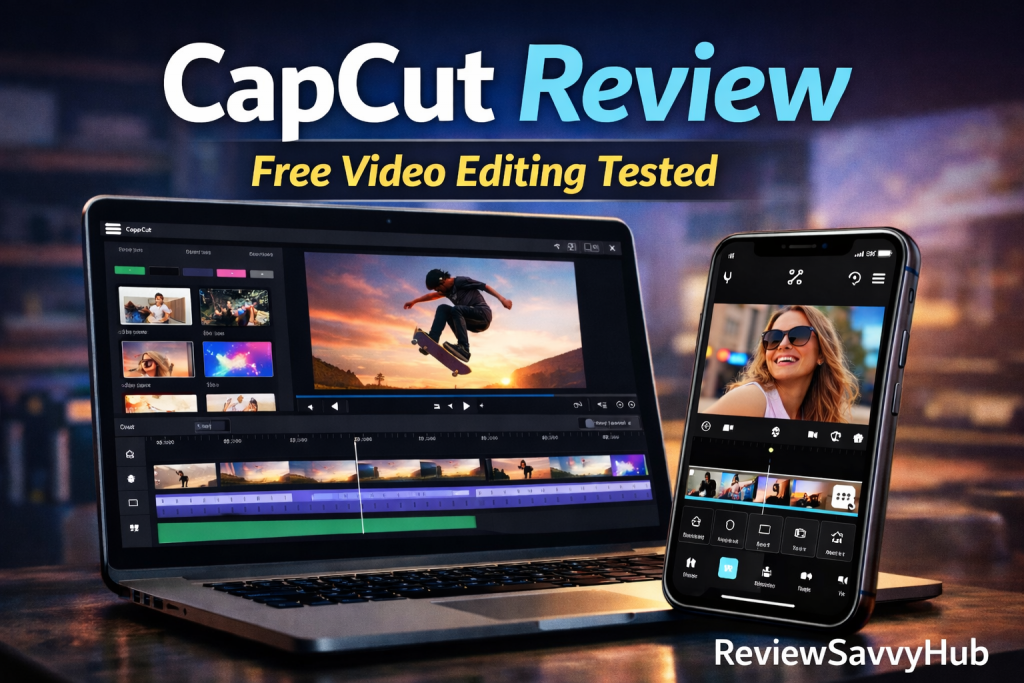
CapCut is a free video editing software available on mobile, desktop (Windows & macOS), and web. It is designed primarily for social media video creation, offering drag-and-drop editing, templates, effects, transitions, and AI-powered features.
The platform integrates tightly with modern content formats, prioritising vertical video, captions, trending effects, and fast exports. While CapCut includes a paid “Pro” tier, the free version remains unusually generous compared to competitors.
CapCut Features Breakdown (Real-World Use)
CapCut’s feature set is designed around speed, automation, and accessibility rather than traditional manual editing complexity. Its interface prioritises drag-and-drop workflows, making it approachable even for users with no prior editing experience.
Key features include multi-layer timeline editing, built-in transitions, animated text presets, filters, and effects optimised for short-form video. The platform also supports direct aspect-ratio switching, which is essential for creators producing content across TikTok, Instagram Reels, and YouTube Shorts.
Unlike many free editors, CapCut does not aggressively restrict core features behind a paywall, which significantly improves its practical value for beginners and small creators.
AI-Powered Tools & Automation
One of CapCut’s strongest advantages lies in its AI-driven automation. Features such as auto-captions, background removal, and smart music syncing dramatically reduce editing time.
Auto-captions are particularly accurate for social media use, offering style customisation and animation without manual text placement. Background removal performs reliably for standard talking-head videos, though it lacks the fine edge control found in professional compositing software.
These AI tools prioritise speed over precision, which aligns well with CapCut’s target audience of fast-moving content creators.
Templates, Effects & Trend Integration
CapCut’s template ecosystem is deeply integrated with current social media trends. Users can apply pre-built templates that automatically sync visuals to music beats, transitions, and pacing.
This feature significantly lowers the creative barrier for users who want visually engaging videos without manual editing. However, reliance on templates can also result in repetitive aesthetics if overused, making originality a potential challenge for long-term creators.
Editing Quality & Control Limitations
While CapCut delivers impressive results quickly, its editing depth remains intentionally limited. Colour correction tools are basic, audio controls lack advanced mixing options, and timeline precision is simplified compared to professional software.
For creators producing cinematic, documentary, or broadcast-level content, these limitations become noticeable. CapCut is best understood as a speed-first editor, not a precision-first one.
Performance, Stability & Device Compatibility
CapCut performs smoothly on both mobile and desktop platforms, even on mid-range devices. Export times are fast, and crashes are relatively rare during standard projects.
However, complex timelines with heavy effects and multiple layers may cause performance drops on older hardware. Desktop versions provide more stability than mobile for longer projects, but CapCut remains best suited for short-form workflows.
Privacy, Licensing & Export Considerations
CapCut offers royalty-free music and effects within the app, but users should remain aware of platform-specific licensing rules when publishing content commercially.
Exports are clean, watermark-free in the free version, and support common resolutions suitable for social media platforms. This makes CapCut particularly attractive compared to competitors that impose branding restrictions.
CapCut Quality vs Professional Editing Standards
CapCut’s output quality is visually appealing for digital platforms, but it should not be confused with professional post-production standards. Compression, colour depth, and audio handling are optimised for speed rather than archival quality.
For social media, marketing clips, and short educational videos, this trade-off is acceptable and often desirable. For film or broadcast projects, professional tools remain necessary.
Real-World Performance
In real-world use, CapCut performs exceptionally well for short-form content. Editing timelines are responsive, even on lower-end devices, and the interface is intuitive for beginners. AI-powered auto-captions, background removal, and music syncing significantly reduce production time.
However, limitations become apparent in longer projects. Timeline control is simplified, audio mixing options are basic, and colour grading tools lack the depth required by professional editors. While CapCut can technically edit longer videos, it is not optimised for cinematic or documentary-level projects.
Stability is generally strong, though heavy effects and multiple layers can cause slowdowns on older hardware.
Comparison — CapCut vs Traditional Editors
Compared to Adobe Premiere Pro or DaVinci Resolve, CapCut sacrifices depth for speed. Where professional editors offer granular control, CapCut prioritises automation and presets.
Against beginner-friendly competitors like Filmora or Clipchamp, CapCut stands out by offering more features for free and better mobile optimisation. Its advantage lies in speed, accessibility, and trend-focused tools rather than technical precision.
SWOT Analysis
Strengths
CapCut’s biggest strength is accessibility. It lowers the barrier to video creation, offering powerful features at zero cost. AI tools, templates, and fast exports make it ideal for social media creators.
Weaknesses
The software lacks advanced editing controls, professional audio tools, and deep colour grading. It is not suitable for complex long-form editing.
Opportunities
With continued AI development and desktop improvements, CapCut could expand into semi-professional workflows while maintaining simplicity.
Threats
Reliance on trends and social media formats may limit long-term relevance if creator needs evolve beyond short-form content.
PESTLE Analysis
Political: No direct political dependencies, but platform policies influence feature direction.
Economic: Free access makes CapCut highly attractive during economic uncertainty.
Social: Strong alignment with creator culture, short attention spans, and social media trends.
Technological: AI-driven automation gives CapCut a competitive edge over traditional editors.
Legal: Users must remain cautious about licensed music and export rights.
Environmental: Cloud-based workflows reduce local hardware dependency.
Accuracy & Limitations
CapCut’s marketing accurately reflects its ease of use and speed. However, claims of “professional-level editing” should be understood within the context of social media production, not film or broadcast standards.
Audience Reality
Best suited for:
- Beginners and non-editors
- Social media creators
- Small businesses
- YouTubers focused on Shorts and quick edits
Not ideal for:
- Film editors
- Long-form documentary creators
- Advanced audio or colour-grading work
Internal Exploration
<p>If you want to explore more software analysis, check our <a href=”https://reviewsavvyhub.com/category/software-apps/”>Software & Apps reviews</a>, where we evaluate digital tools based on real usability rather than marketing promises.</p>
Final Verdict — ReviewSavvyHub Score
CapCut succeeds at exactly what it was designed to do: make video editing fast, accessible, and free for modern creators. While it cannot replace professional editing suites, it does not try to.
For short-form content and beginner workflows, CapCut delivers exceptional value.
⭐ ReviewSavvyHub Score: 4.3 / 5
Transparency Note
This review is based on hands-on usability analysis, platform comparison, and creator-focused evaluation. No sponsorship, affiliate influence, or promotional compensation was involved.